Workflow
-
1
Read the position
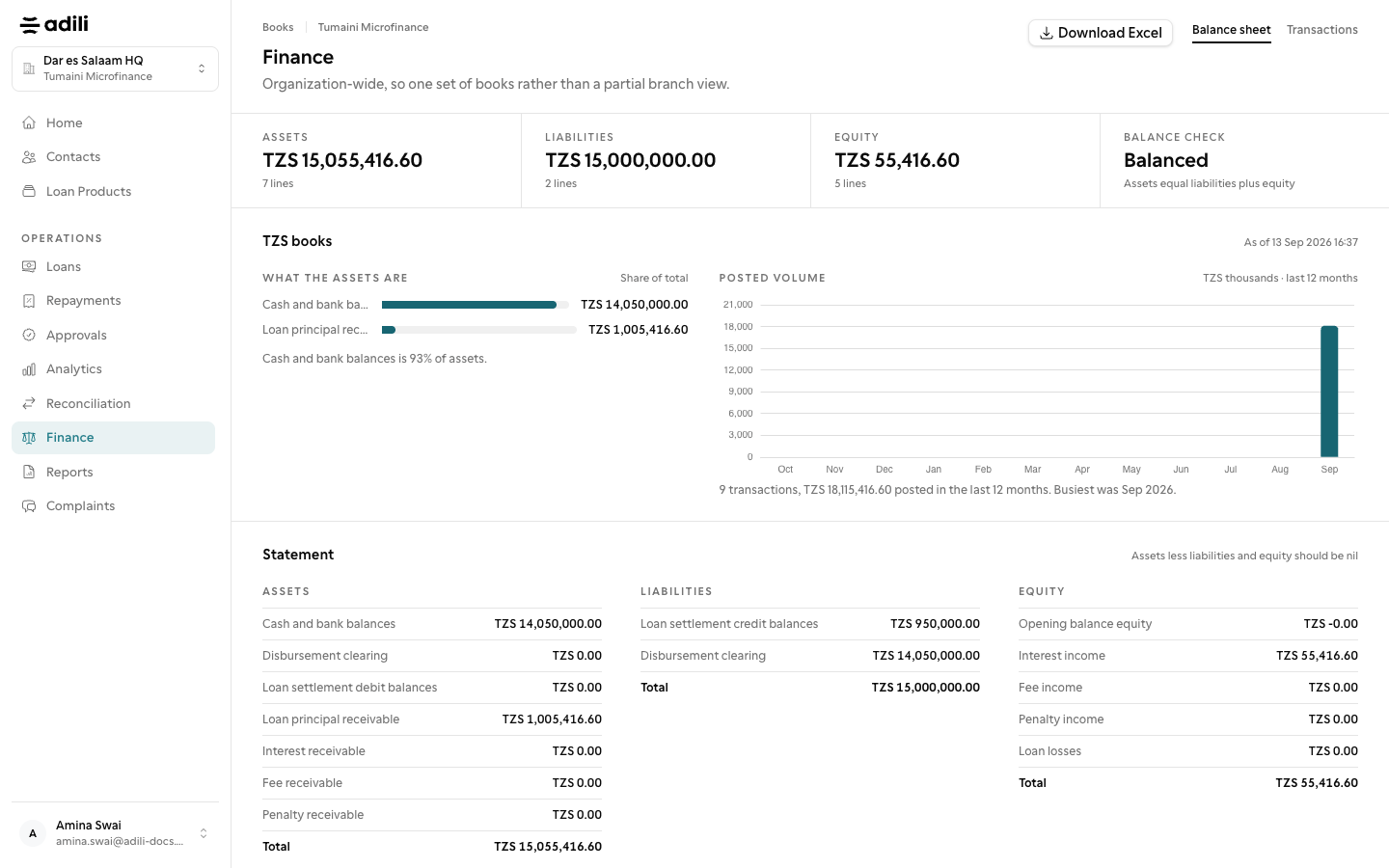
Open Finance (owners, admins and branch managers). The page shows Assets, Liabilities and Equity, a Balance check that should read Balanced, and each branch's position.
-
2
Inspect transactions
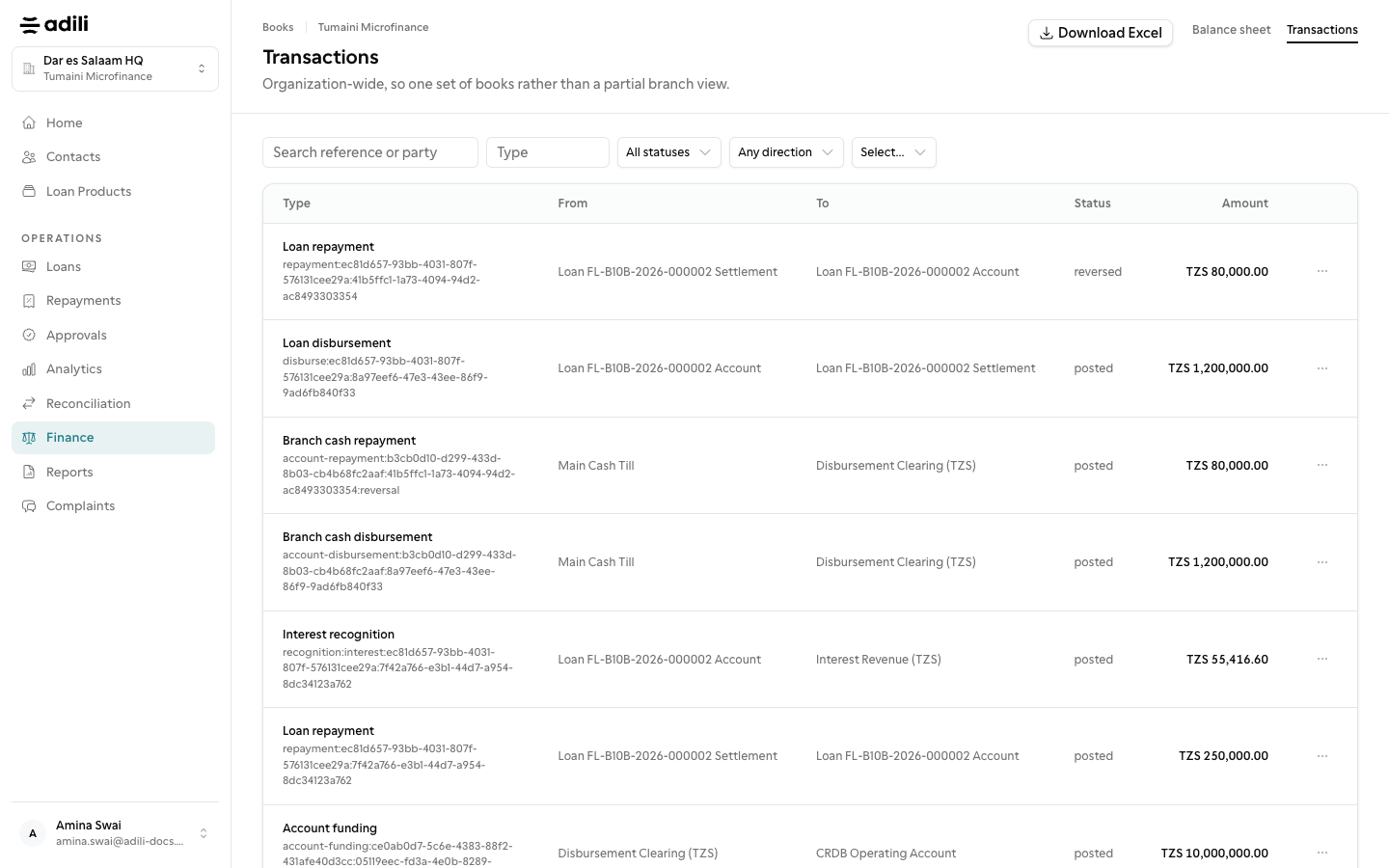
Open Transactions to filter by date, branch or reference, and open a transaction to see both sides. Download Excel gives the list.
-
3
Download the statements
Under Reports, open the Reports tab and choose the Balance sheet, Income statement, Trial balance or General ledger detail; a SACCOS also has Budget vs actual (Makisio). Set the period and branch, then Download PDF or Download Excel.
-
4
Correct with a journal
Where your organization keeps a full ledger, Finance also has Chart of accounts, Journals, Expenses, Payables, Fixed assets and Periods. Choose New journal or New from template, Save draft, then Submit for approval. A posted journal is never deleted: use Reverse, which also goes for approval.
-
5
Close periods
Under Periods choose Check & close, then Close period at month end. Year-end close moves the result to retained earnings. Opening balances from before Adili are entered once and sent for approval.
-
6
From the staff app
In the app, More → Finance → Statements gives the Trial balance, the Income statement (This month, Last month, Year to date or Custom), Journals and the Chart of accounts.