Bank Reconciliation

Match a bank statement to Adili transactions and resolve differences.

Workflow

  1. 1

    Upload the statement

    Open Reconciliation, start a run and upload the bank CSV without removing important columns.

  2. 2

    Map the columns

    Identify date, amount, reference and direction; without direction every row is quarantined.

  3. 3

    Review the result

    Confirm matches, investigate review items and finish only when the totals agree.
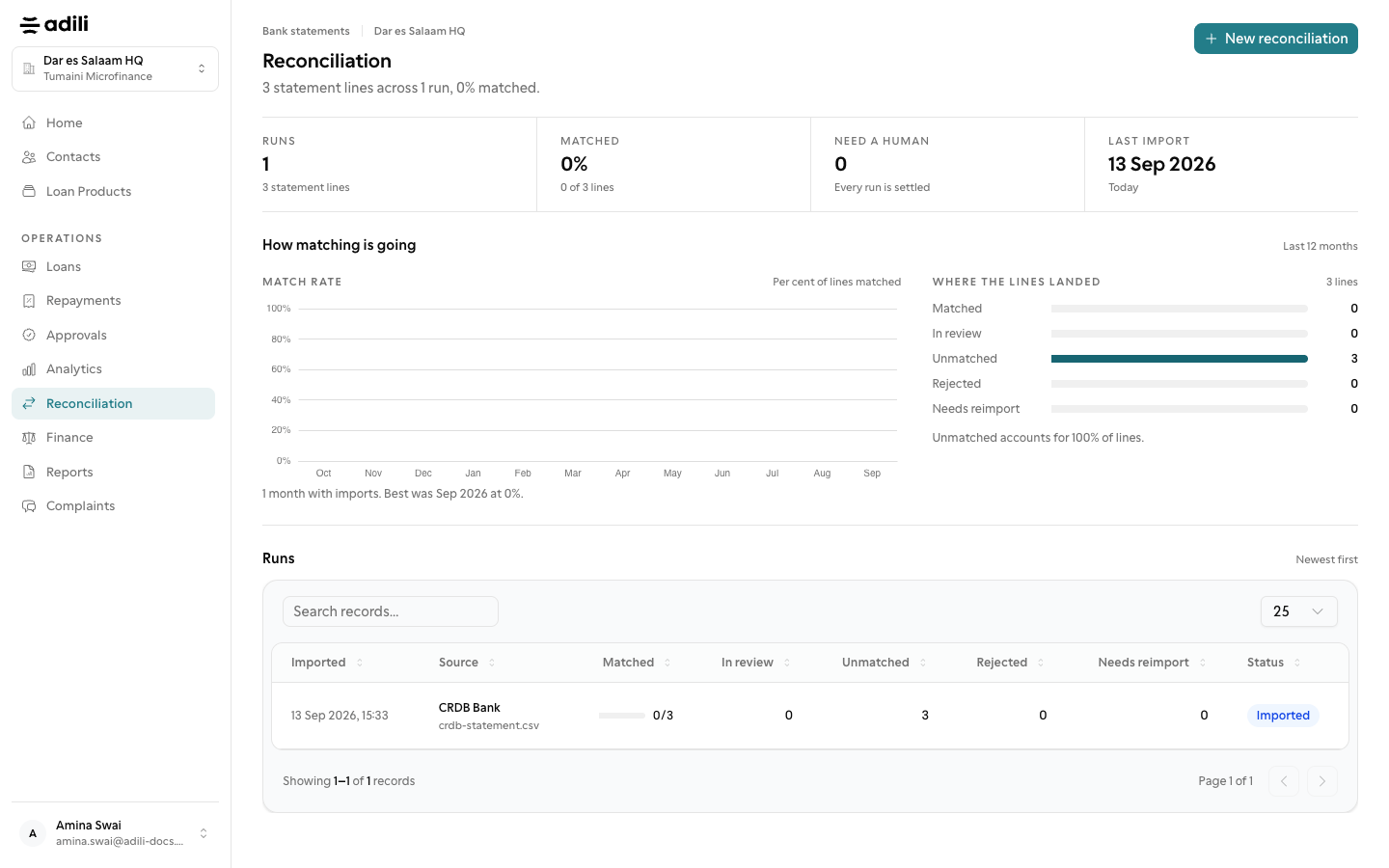
See it in Adili

Follow the screen, step by step

The examples use safe training data. Names and amounts in your account will be different.

Upload the statement

1 Upload the statement

What to do

  1. 1. Open Reconciliation, start a run and upload the bank CSV without removing important columns.

You should see

The bank account and period are correct.

Map the columns

2 Map the columns

What to do

  1. 1. Identify date, amount, reference and direction; without direction every row is quarantined.
  2. 2. Confirm matches, investigate review items and finish only when the totals agree.
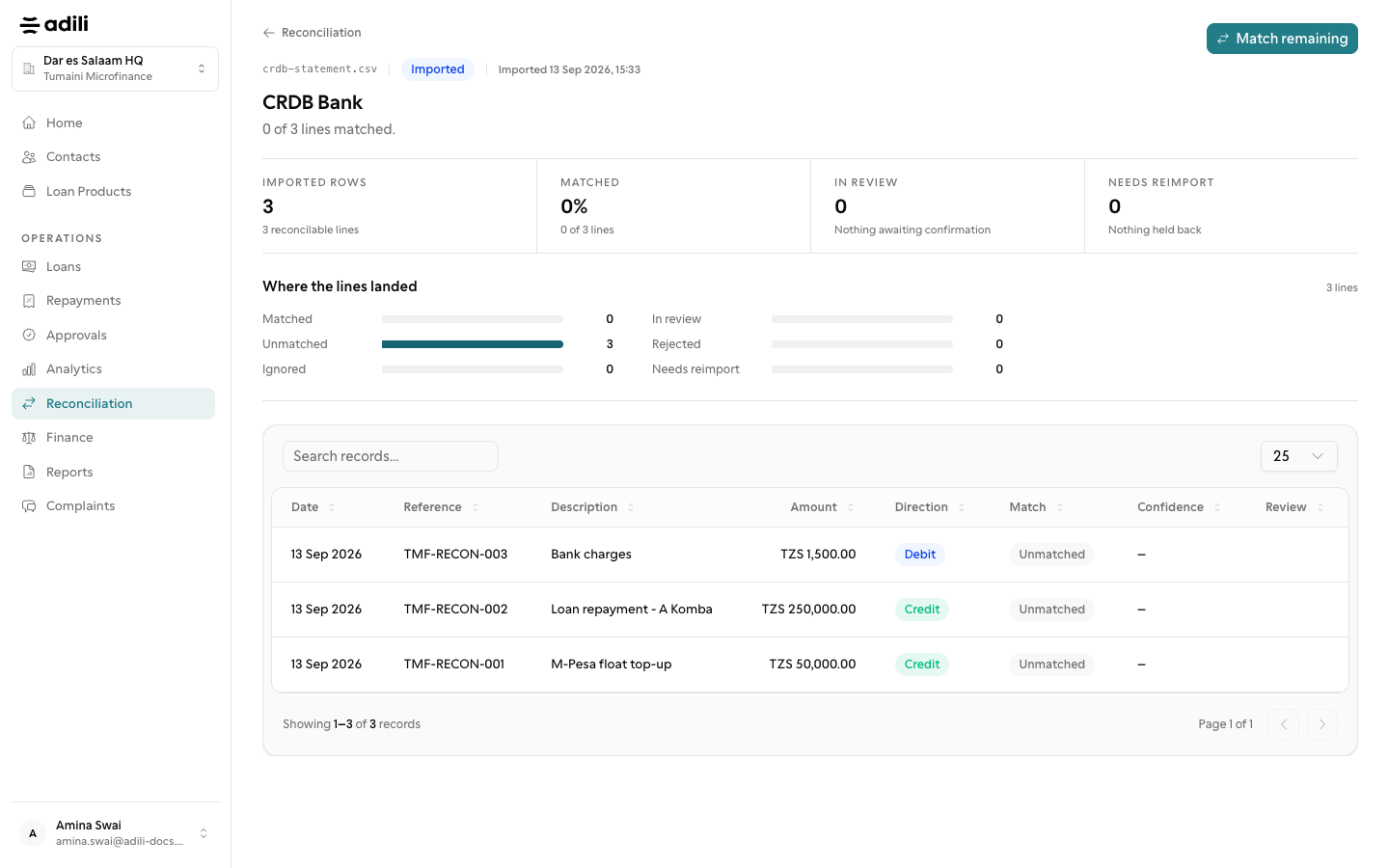
You should see

A direction column is mapped.