Getting Started

Confirm access, branch context, and minimum setup before working in the dashboard.

Workflow

  1. 1

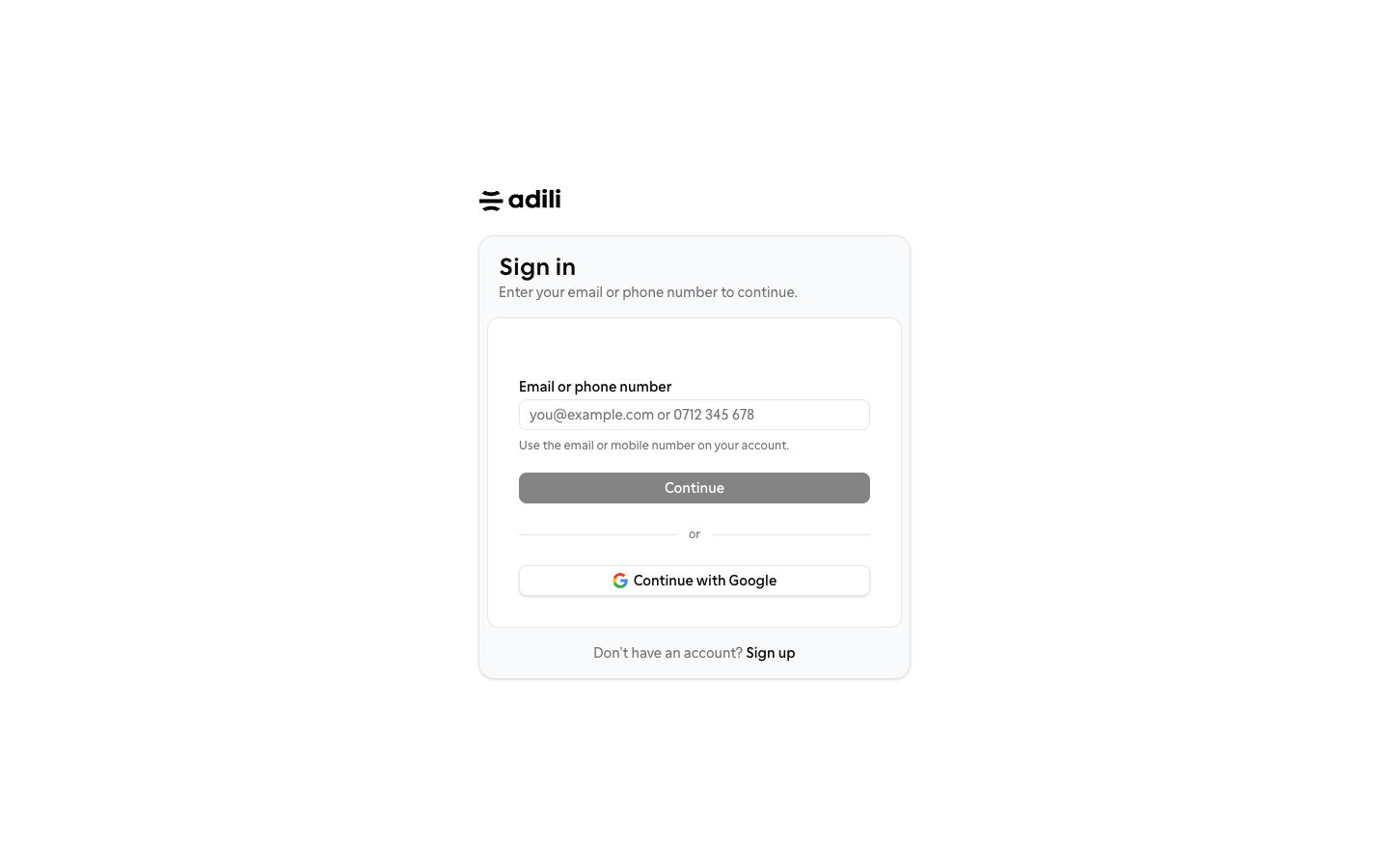
    Sign in securely

    Use your institution account and complete any required verification.

  2. 2

    Select the organization and branch

    Confirm the correct institution and branch before entering operational data.

  3. 3

    Review the minimum setup

    Verify currency, fiscal year, team access, and loan defaults against your operating policy.
See it in Adili

Follow the screen, step by step

The examples use safe training data. Names and amounts in your account will be different.

Sign in securely

1 Sign in securely

What to do

  1. 1. Use your institution account and complete any required verification.

You should see

You can open the branch dashboard.

Select the organization and branch

2 Select the organization and branch

What to do

  1. 1. Confirm the correct institution and branch before entering operational data.
  2. 2. Verify currency, fiscal year, team access, and loan defaults against your operating policy.
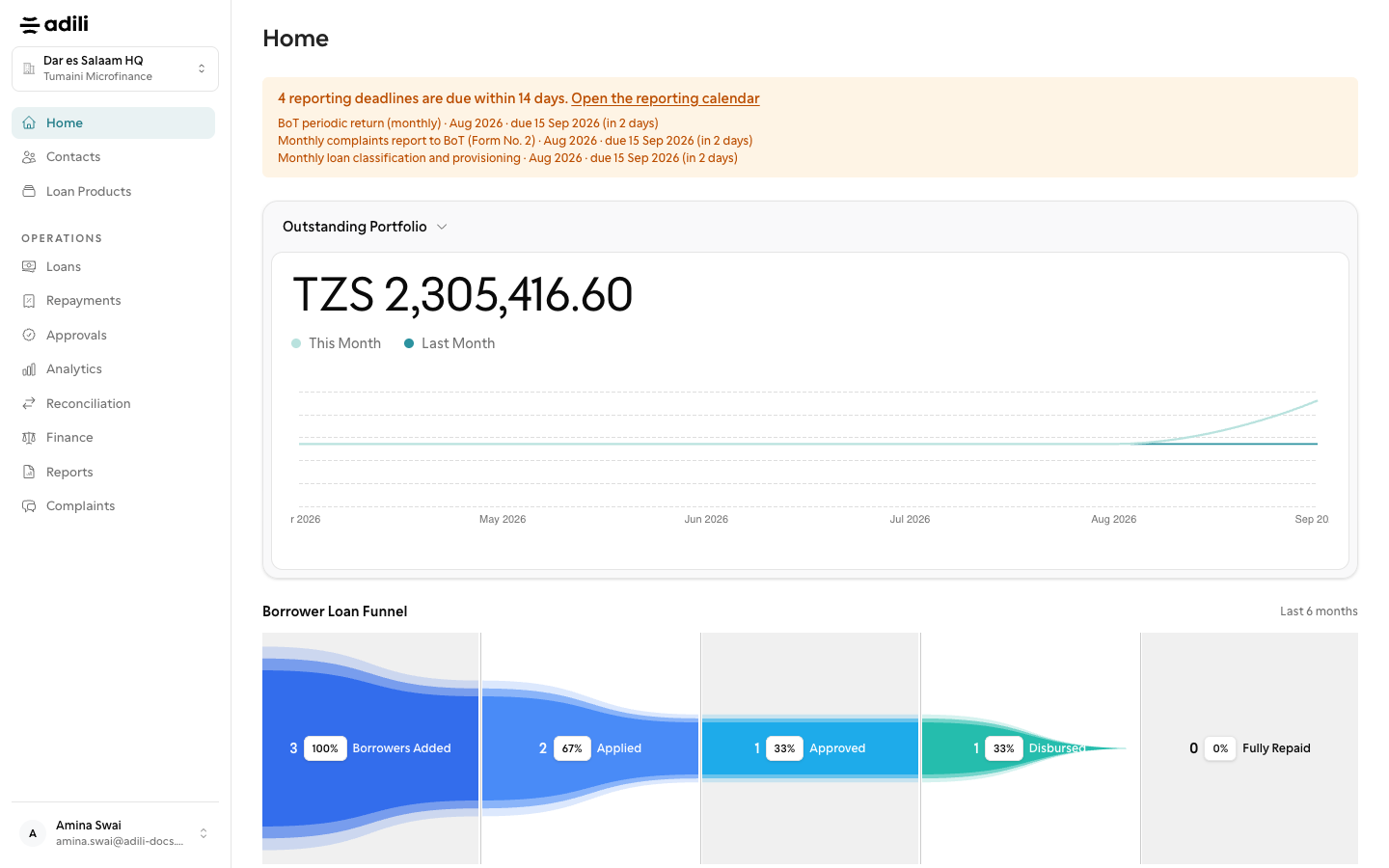
You should see

Your role has the required permissions.