Phone Sign-in

Sign in with a phone number and an SMS code, with no password.

Workflow

  1. 1

    Enter your number

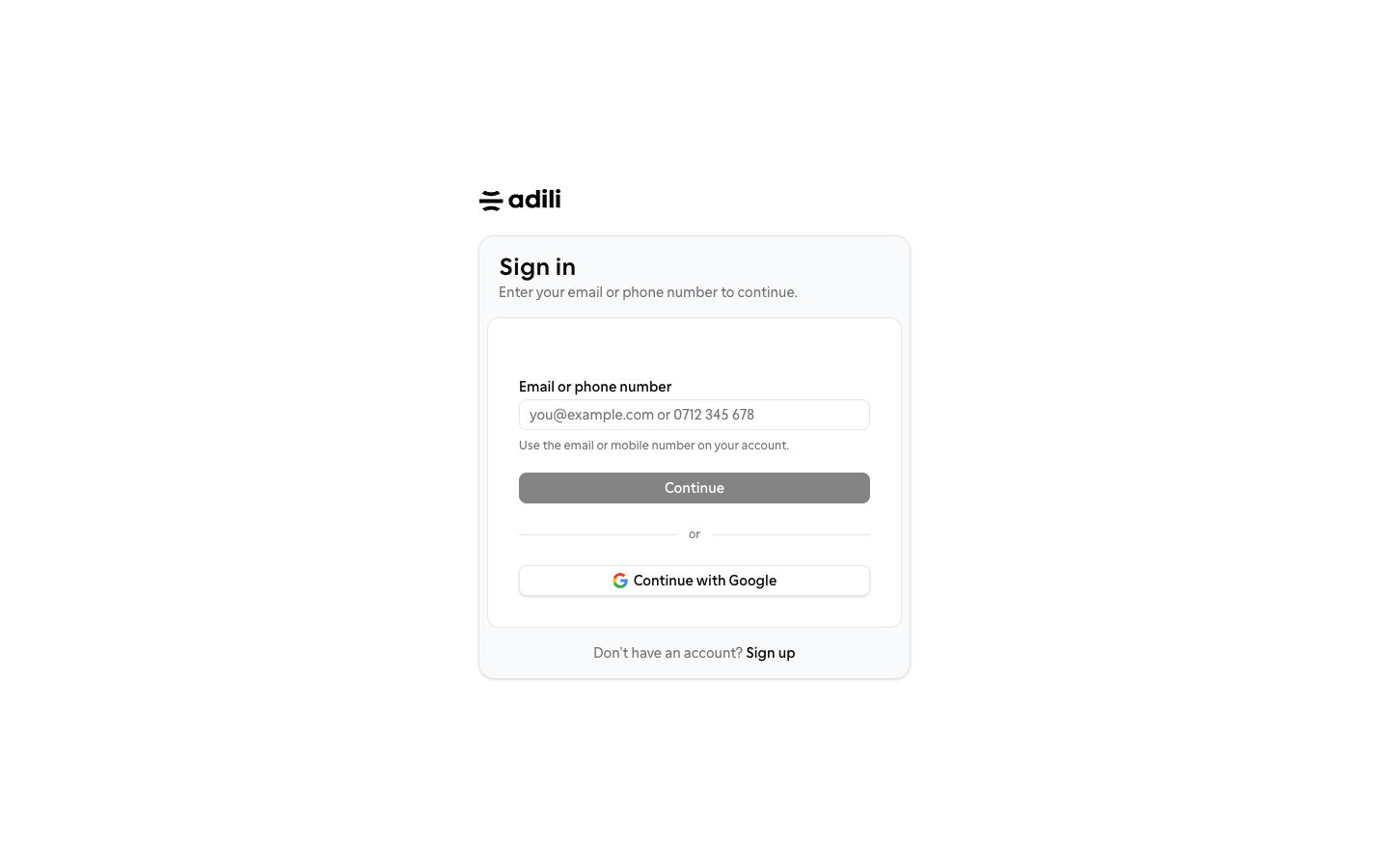
    On the sign-in page, type your mobile number, such as 0712 345 678, in the Email or phone number field and choose Send code.

  2. 2

    Type the code

    Enter the one-time code sent by SMS to the masked number shown. Code requests are rate limited, so wait before asking again.

  3. 3

    Keep your email if you have one

    Email accounts keep working. Typing an email shows the password step, and Continue with Google is always available.
See it in Adili

Follow the screen, step by step

The examples use safe training data. Names and amounts in your account will be different.

Enter your number

1 Enter your number

What to do

  1. 1. On the sign-in page, type your mobile number, such as 0712 345 678, in the Email or phone number field and choose Send code.
  2. 2. Enter the one-time code sent by SMS to the masked number shown. Code requests are rate limited, so wait before asking again.
  3. 3. Email accounts keep working. Typing an email shows the password step, and Continue with Google is always available.

You should see

The number is the one your team has on record.