Integrations

Issue API keys and webhook endpoints, and link to the API reference.

Workflow

  1. 1

    API keys

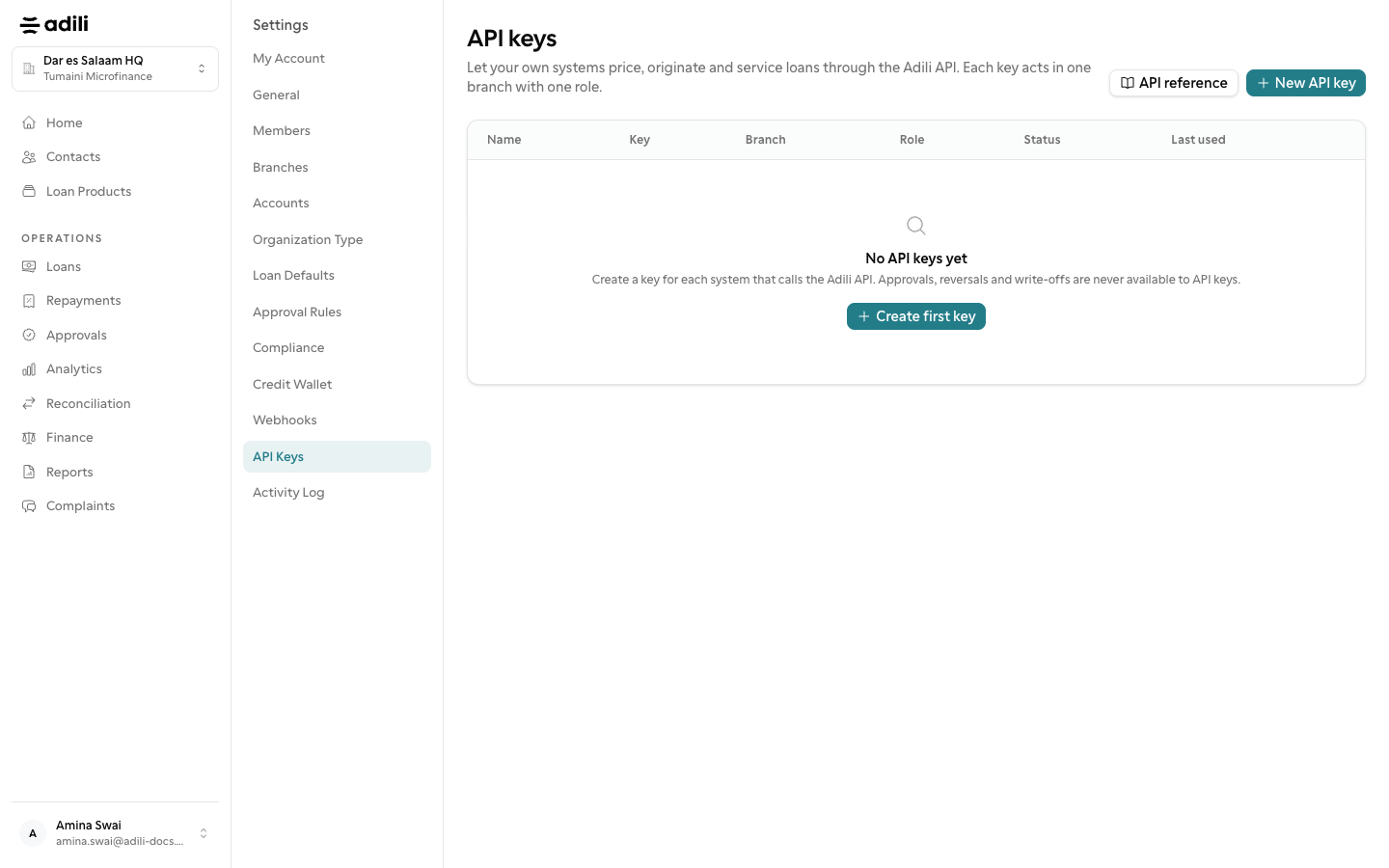
    Settings → API keys. A key is bound to one branch and one branch role, so its permissions come from the same role the dashboard uses. The key (starting adili_sk_) is shown once; if you lose it, revoke and issue another. Revoking stops in-flight requests.

  2. 2

    Webhook endpoints

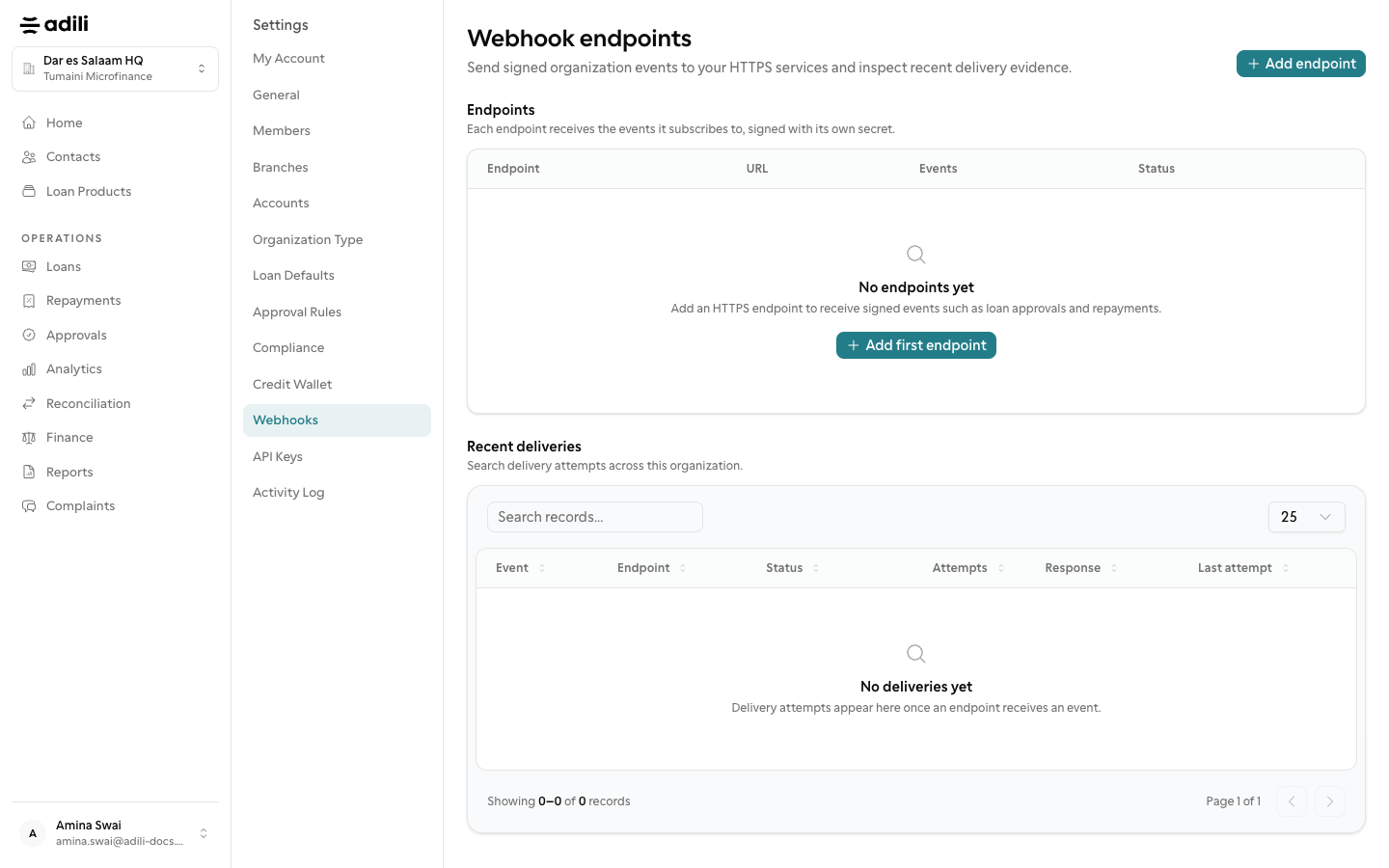
    Settings → Webhooks. Add an endpoint that receives events, rotate the secret to sign them, and enable or disable it. Deliveries are recorded for each endpoint.

  3. 3

    API reference

    Read the API reference at /api/docs and the provider notes at docs/payment-providers.md for operators configuring providers.
See it in Adili

Follow the screen, step by step

The examples use safe training data. Names and amounts in your account will be different.

API keys

1 API keys

What to do

  1. 1. Settings → API keys. A key is bound to one branch and one branch role, so its permissions come from the same role the dashboard uses. The key (starting adili_sk_) is shown once; if you lose it, revoke and issue another. Revoking stops in-flight requests.

You should see

Each API key has one branch and one role.

Webhook endpoints

2 Webhook endpoints

What to do

  1. 1. Settings → Webhooks. Add an endpoint that receives events, rotate the secret to sign them, and enable or disable it. Deliveries are recorded for each endpoint.
  2. 2. Read the API reference at /api/docs and the provider notes at docs/payment-providers.md for operators configuring providers.

You should see

Webhook secrets were rotated after setup.