Leadership

Assign board and committee seats, fill vacancies and end terms.

Workflow

  1. 1

    Review the seats

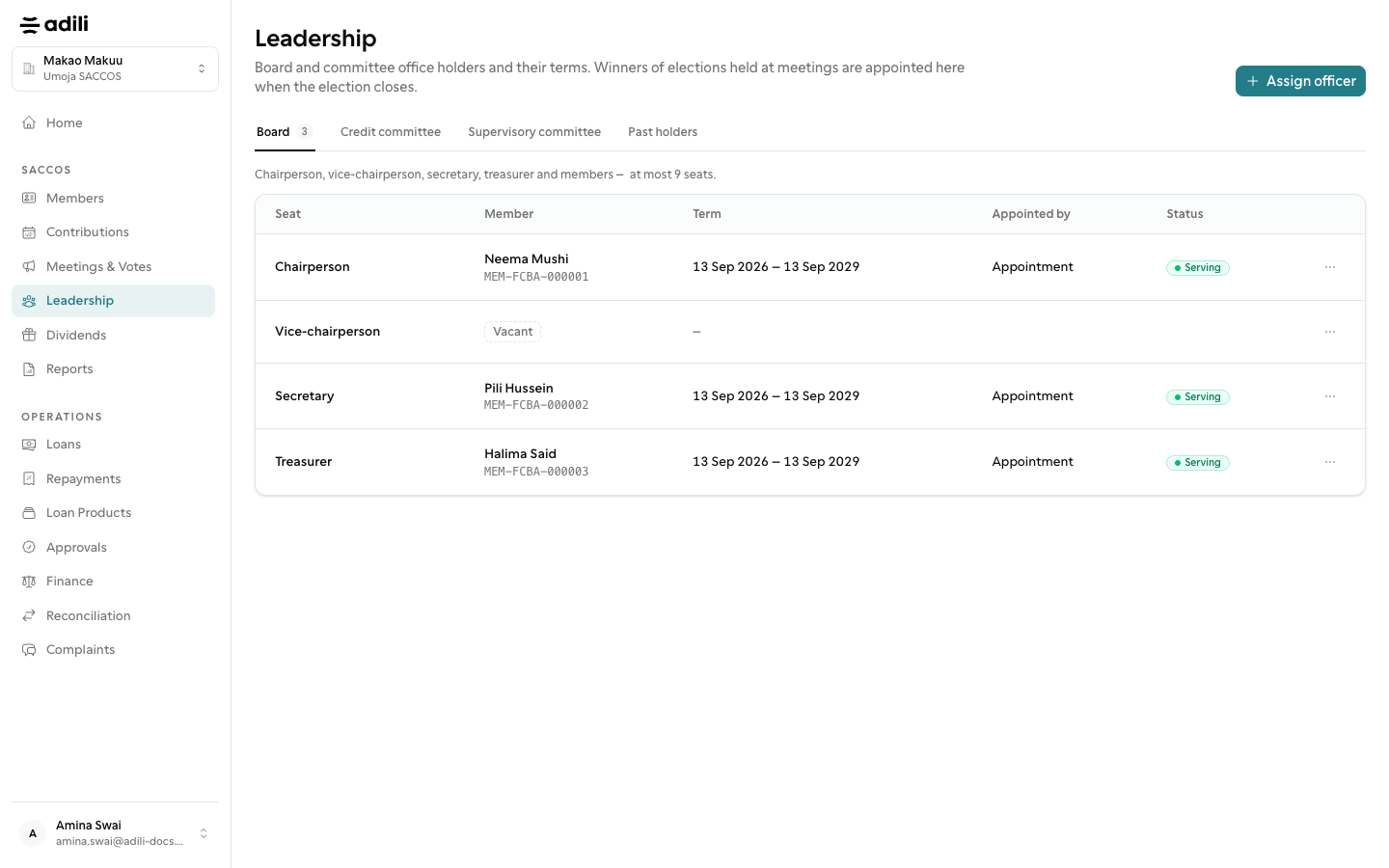
    Leadership lists every seat of the board and committees in tabs, with vacant seats marked.

  2. 2

    Assign an officer

    Choose Assign officer, or Assign on a vacant row, and pick the member and term. One member holds each seat, and term limits are checked.

  3. 3

    End a term

    End a term from the row menu. Lapsed terms are highlighted so the seat can be filled.
See it in Adili

Follow the screen, step by step

The examples use safe training data. Names and amounts in your account will be different.

Review the seats

1 Review the seats

What to do

  1. 1. Leadership lists every seat of the board and committees in tabs, with vacant seats marked.
  2. 2. Choose Assign officer, or Assign on a vacant row, and pick the member and term. One member holds each seat, and term limits are checked.
  3. 3. End a term from the row menu. Lapsed terms are highlighted so the seat can be filled.

You should see

Chairperson, secretary and treasurer seats are filled.