Members

Keep the SACCOS register of members, entrance fees, nominees and exits.

Workflow

  1. 1

    Open the register

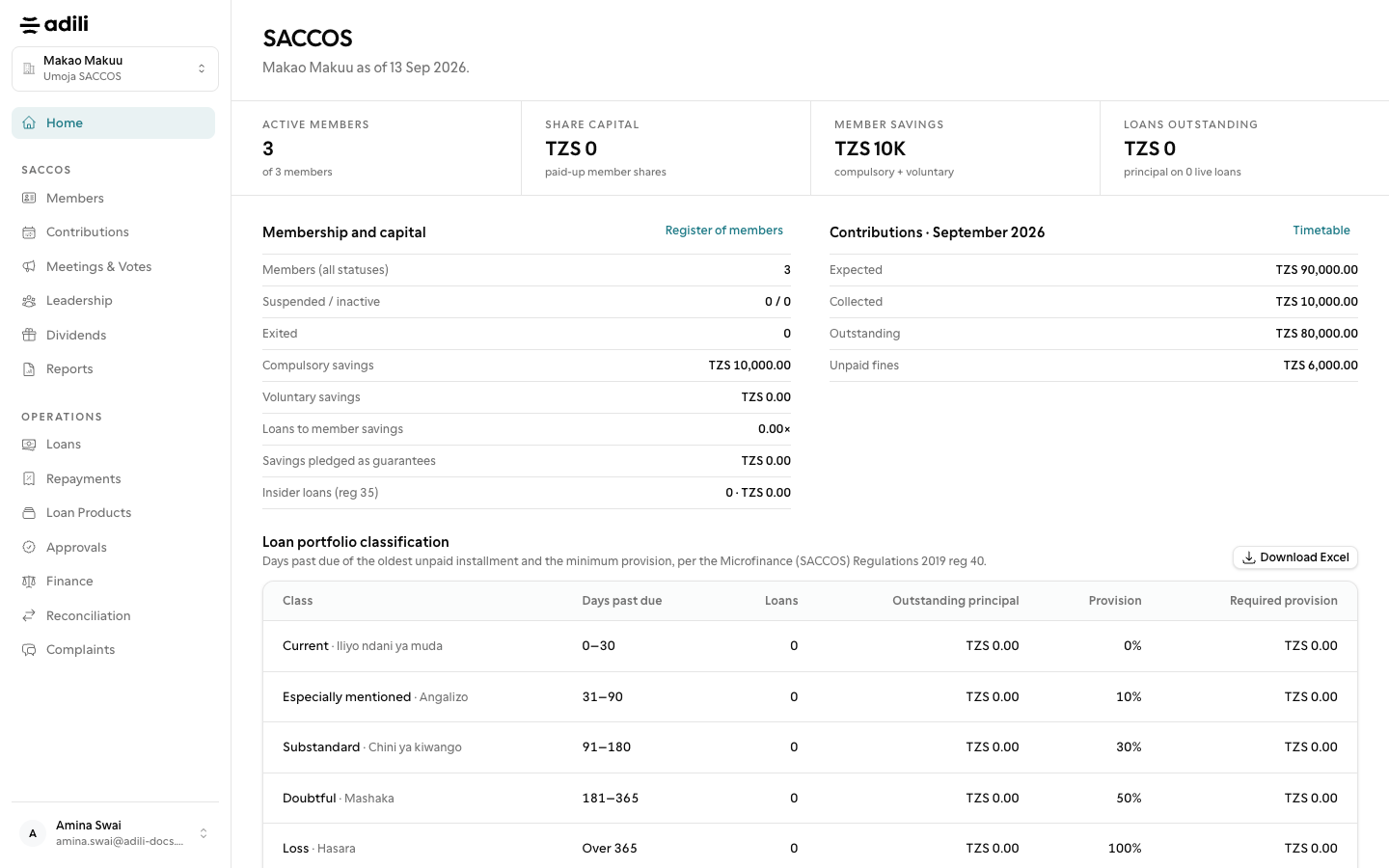
    Under SACCOS, open Members to see every member with shares in units, savings and status. Search by name, member number or phone.

  2. 2

    Collect the entrance fee

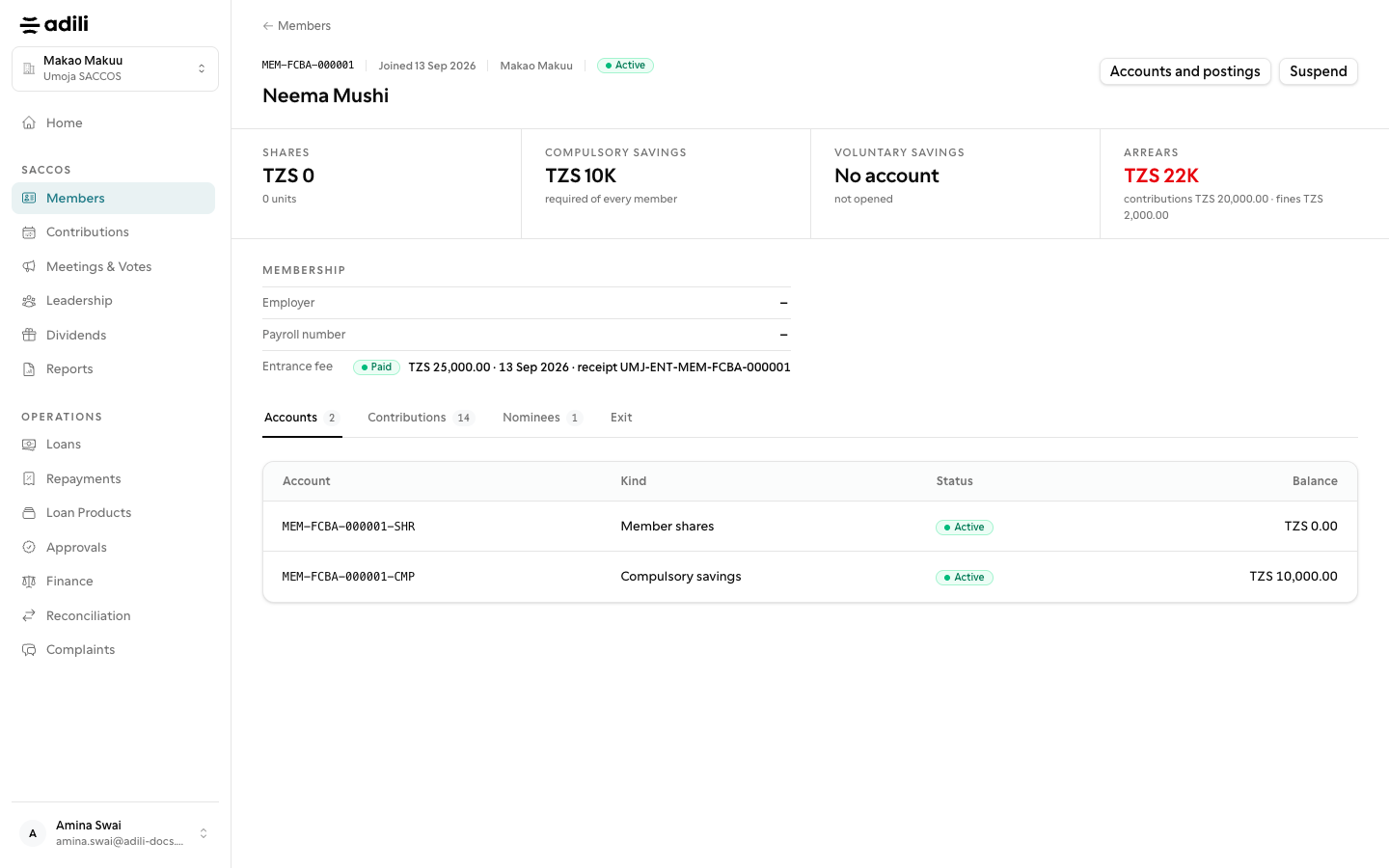
    On the member's record, collect the entrance fee with the cash account and receipt reference. It is posted once.

  3. 3

    Record nominees and changes

    Add nominees with two witnesses, suspend or reinstate with a reason, and request an exit through approval. An exit is blocked while the member has loans, pledged guarantees or unpaid fines.
See it in Adili

Follow the screen, step by step

The examples use safe training data. Names and amounts in your account will be different.

Open the register

1 Open the register

What to do

  1. 1. Under SACCOS, open Members to see every member with shares in units, savings and status. Search by name, member number or phone.

You should see

Nominee shares add up to no more than 100%.

Collect the entrance fee

2 Collect the entrance fee

What to do

  1. 1. On the member's record, collect the entrance fee with the cash account and receipt reference. It is posted once.
  2. 2. Add nominees with two witnesses, suspend or reinstate with a reason, and request an exit through approval. An exit is blocked while the member has loans, pledged guarantees or unpaid fines.

You should see

The entrance fee has a receipt reference.