Workflow
-
1
Create a plan
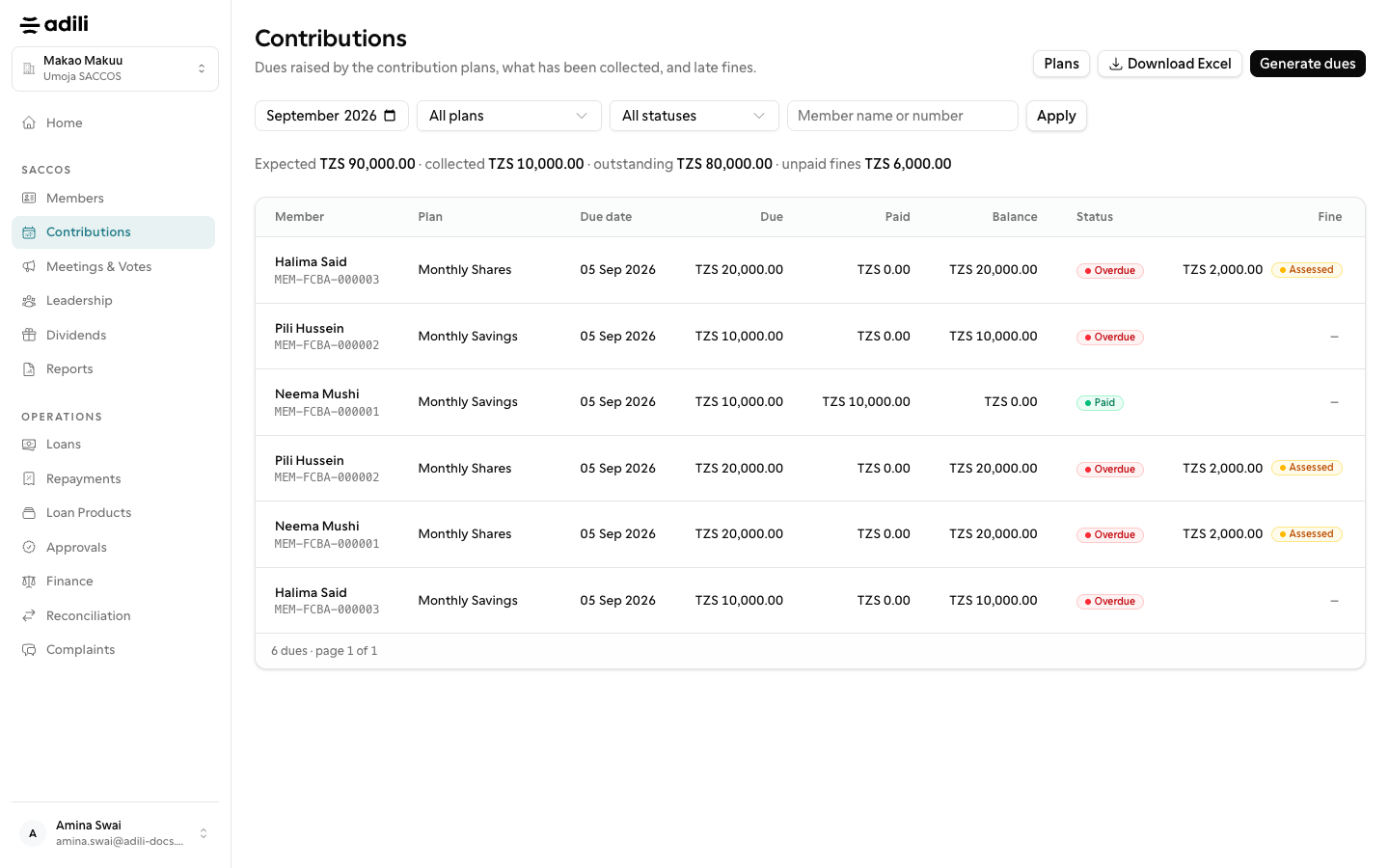
Under Contributions, create a plan for shares or savings with an amount, a frequency from weekly to annual, a due day, grace days and a late fine. The month filter is the app's own month picker.
-
2
Record contributions and notify
Record a member's payment and it settles their oldest dues first. New dues are generated each night. Each due's menu has Notify: send by SMS, email or both; the modal shows the member's phone and email, the Kiswahili SMS text and its cost. An overdue notice carries any fine. The notice goes out even when automatic reminders are off; SMS is refused up front when the wallet cannot cover it; every send is audited.
-
3
Bulk actions
Select one or more dues on the page, then from the Actions menu. Notify reminds the selected members; the modal counts who has a phone and an email and the SMS cost, and members who cannot be reached on the chosen channel or who have already paid are skipped and counted. Waive clears the selected dues or their unpaid fines with one reason. Payments remain on each row.