Workflow
-
1
Open a report
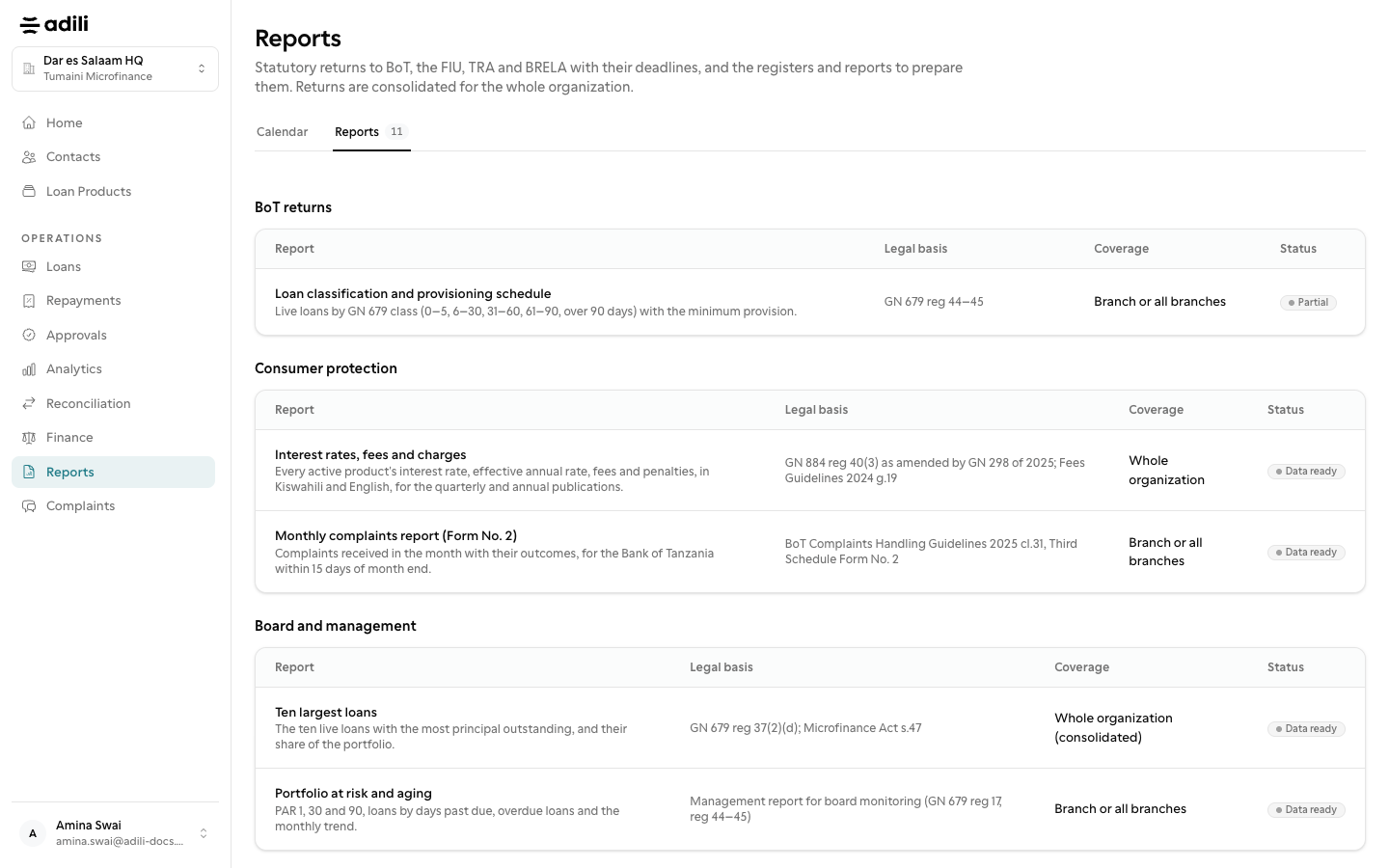
Under Reports, the Reports tab lists the reports for your organization type, grouped by who they are for.
-
2
Set the period and branch
Choose the month or date, and the branch where the report allows it. Organization-wide reports are for owners and admins.
-
3
Download
Download as PDF or Excel. Each file is headed with your organization, licence, period and generation time, and every download is recorded in the activity log.