Approvals

Separate makers and checkers for sensitive financial decisions.

Workflow

  1. 1

    Open the queue

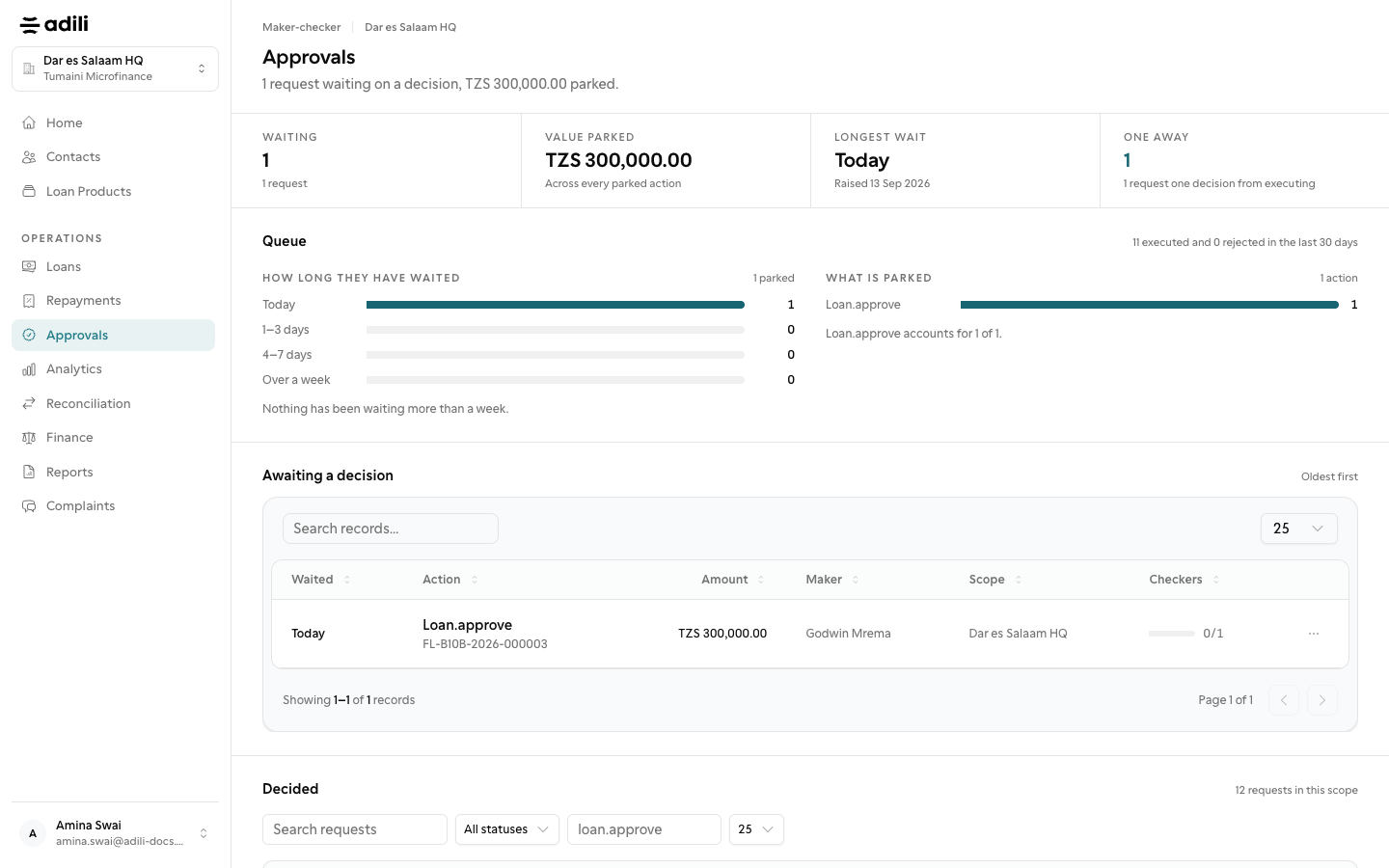
    Open Approvals to see requests waiting for your review.

  2. 2

    Review the evidence

    Compare the amount, branch, maker and source record before deciding.

  3. 3

    Approve or reject

    Give a clear reason; a maker cannot check their own request.
See it in Adili

Follow the screen, step by step

The examples use safe training data. Names and amounts in your account will be different.

Open the queue

1 Open the queue

What to do

  1. 1. Open Approvals to see requests waiting for your review.

You should see

You did not prepare the request.

Review the evidence

2 Review the evidence

What to do

  1. 1. Compare the amount, branch, maker and source record before deciding.
  2. 2. Give a clear reason; a maker cannot check their own request.
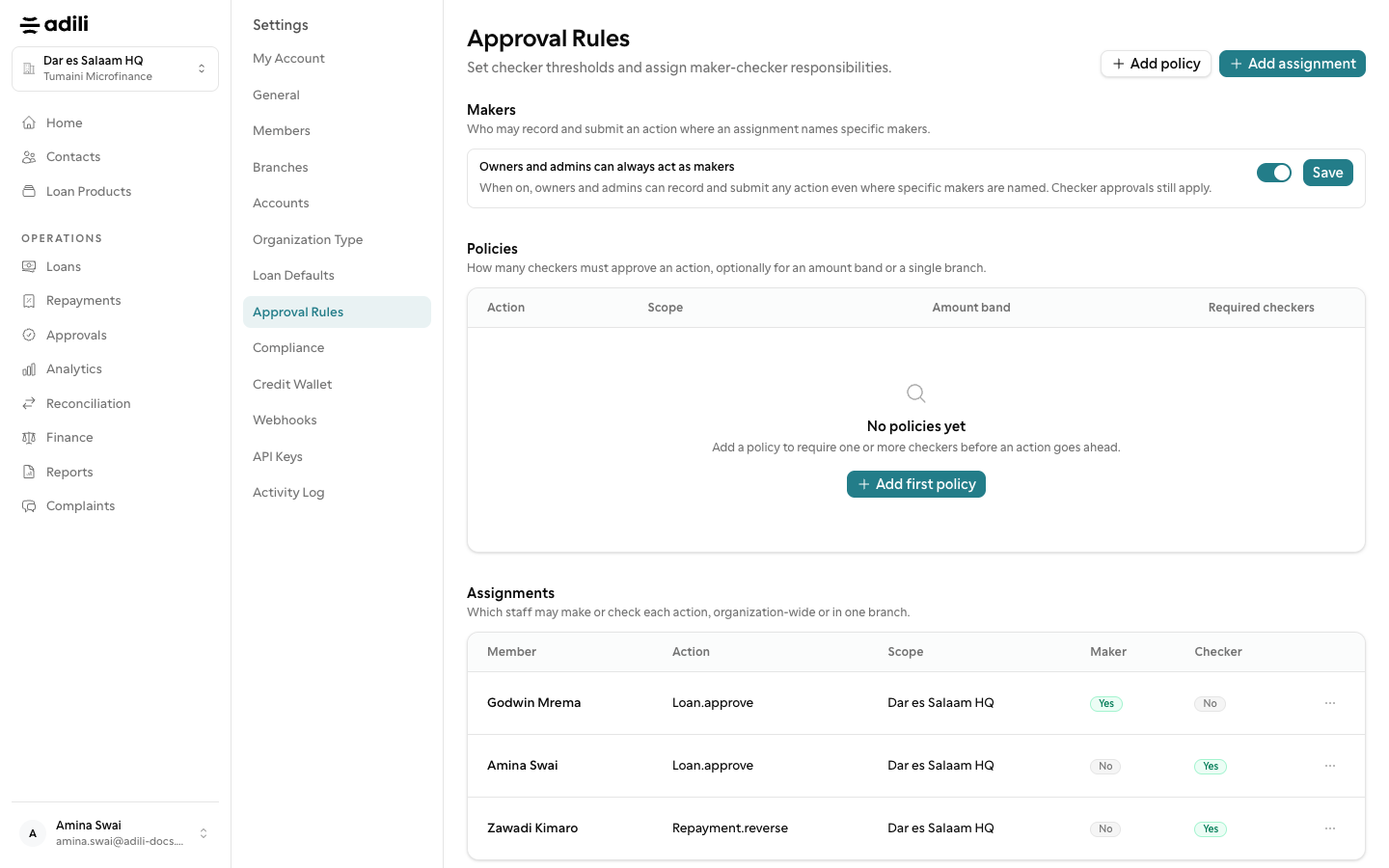
You should see

The evidence and amount were checked.