Workflow
-
1
Register the borrower
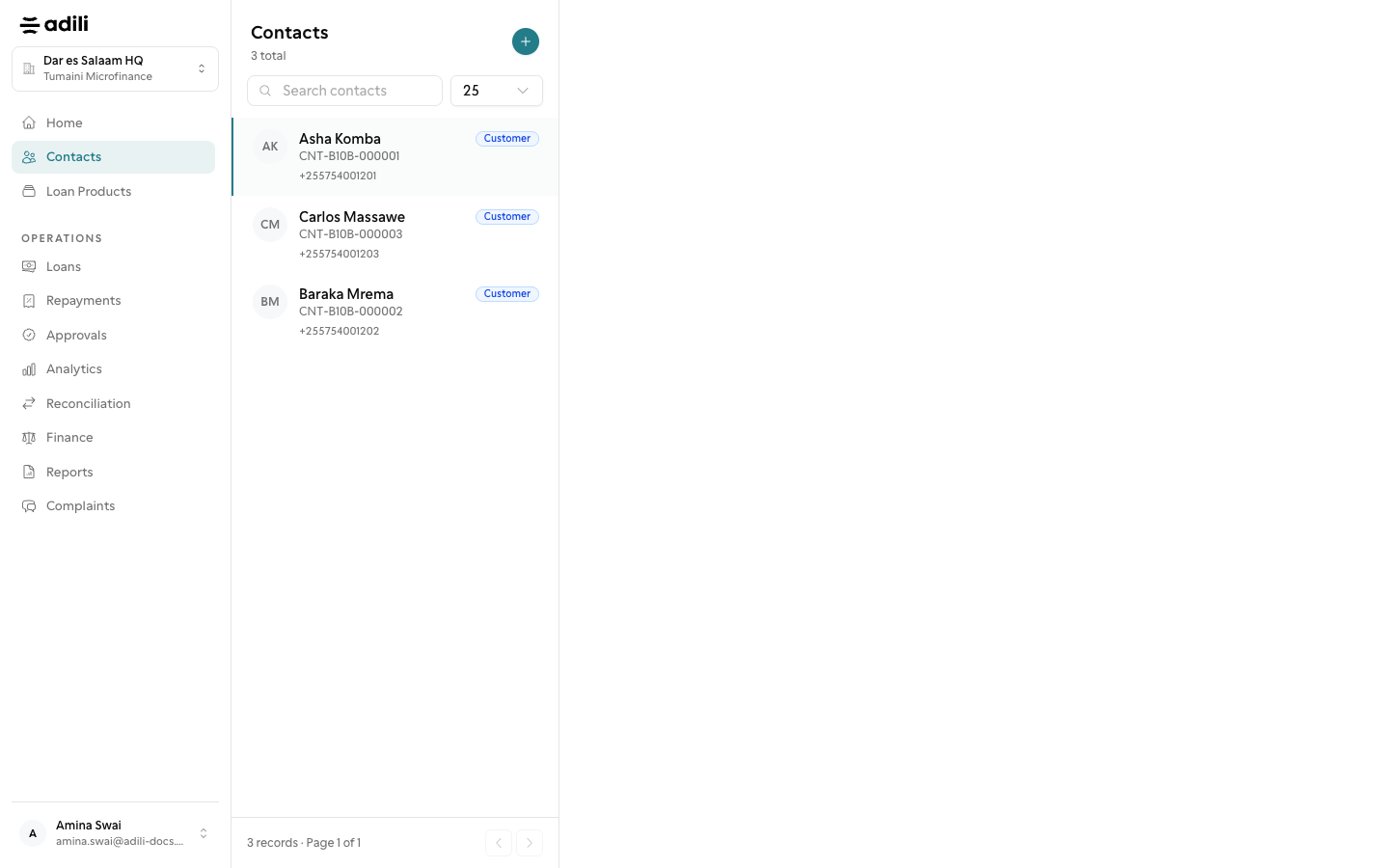
Add the borrower under Contacts (Register member in a SACCOS) with full KYC, next of kin and identity documents. See Borrowers and KYC.
-
2
Create the loan
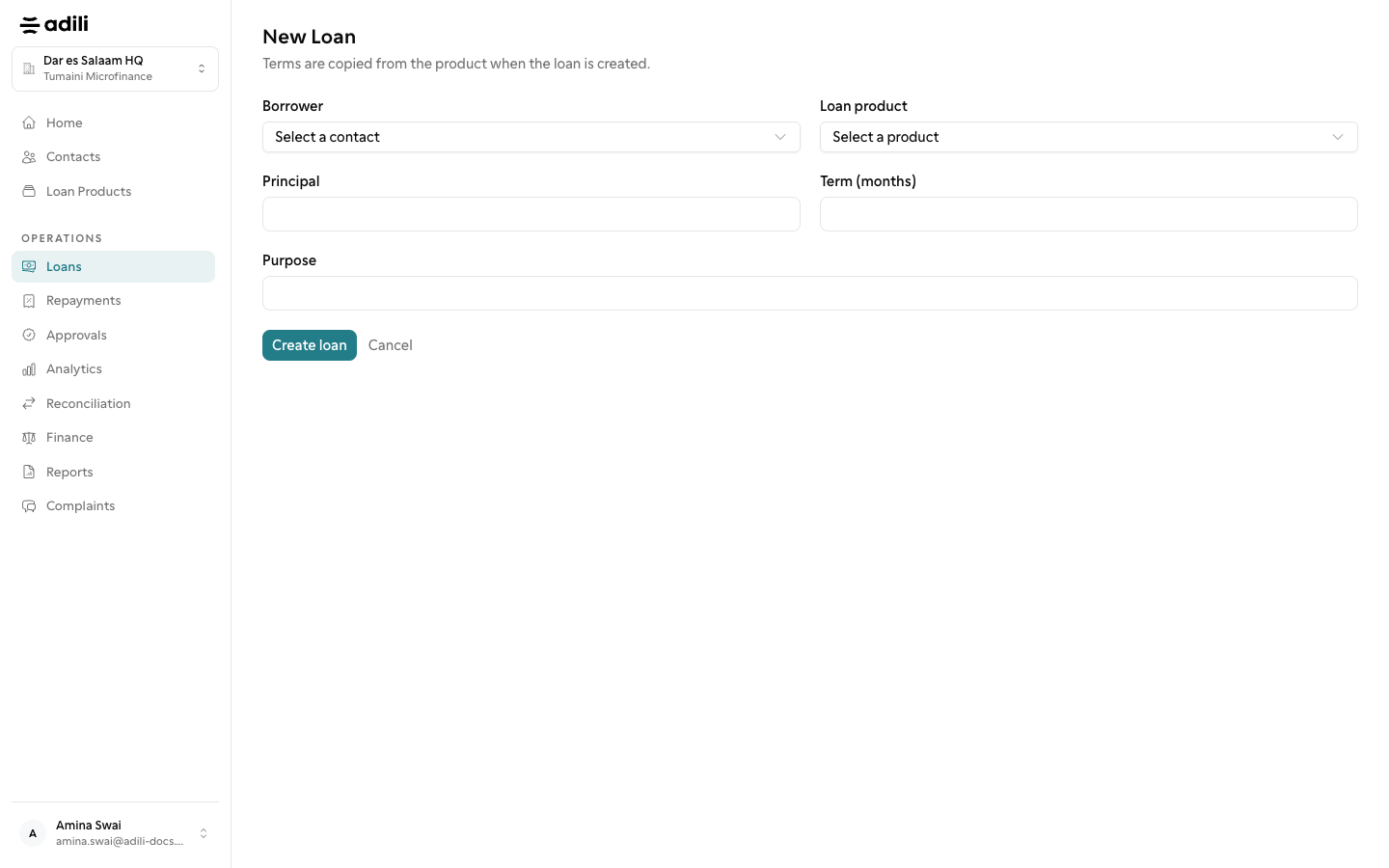
Under Loans choose New Loan, pick the borrower and product, check the Schedule preview and choose Create loan. The loan starts as Draft.
-
3
Assess if the product requires it
Products with Field assessment required need a visit first: Send for assessment moves the loan to Under assessment, and a completed assessment moves it to Assessed.
-
4
Submit and approve
Choose Submit for approval; the loan shows Pending until a checker chooses Approve, Reject or Request changes. A loan sent back returns to Draft or Assessed for the maker to fix.
-
5
Disburse
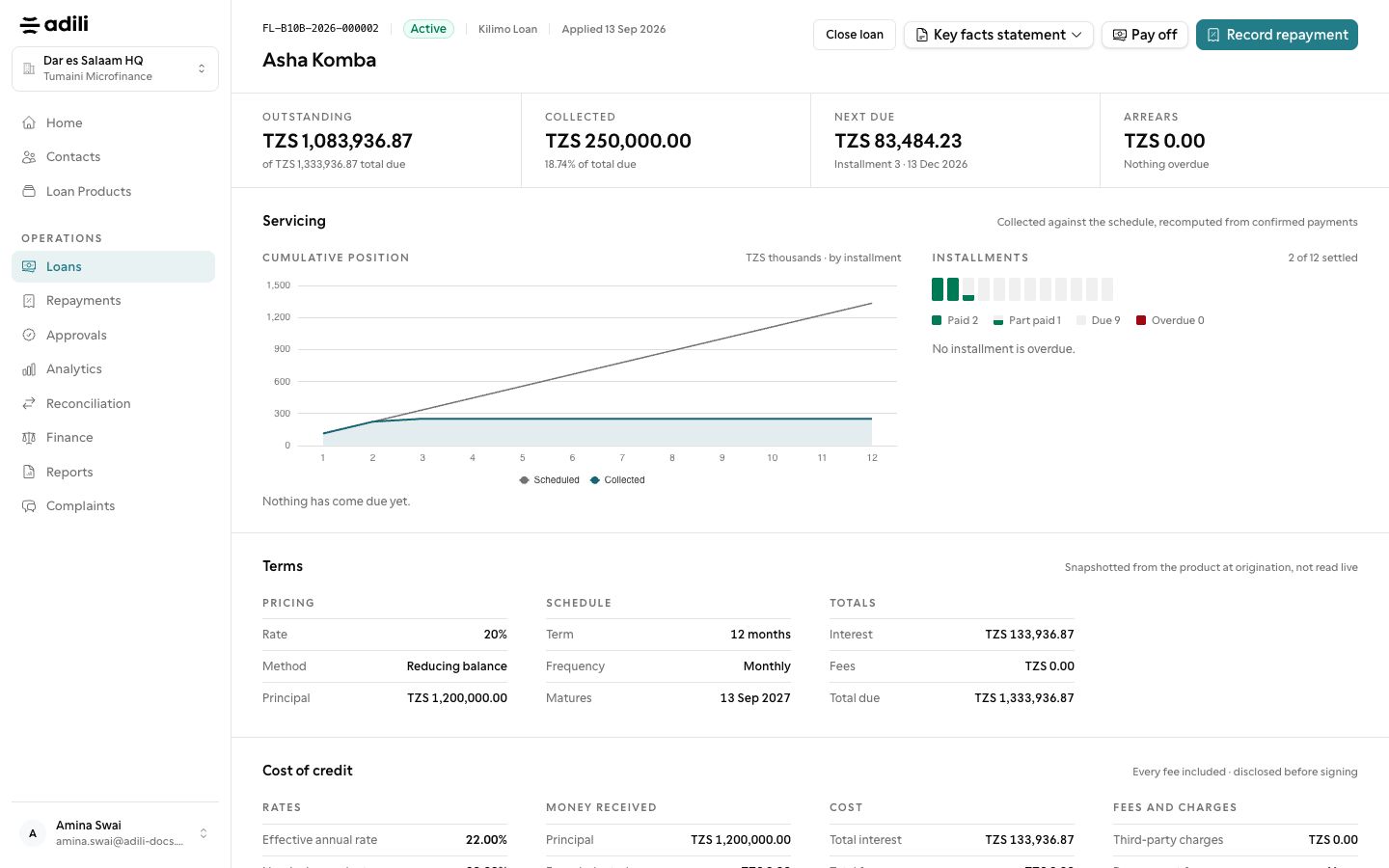
An Approved loan is paid out with Disburse and Record payout. It then shows Active.
-
6
Service and close
Record repayment for each payment, Pay off to settle early, Top up to lend more, Close loan when it is done, or Write off and later Record recovery when it will not be repaid.