Workflow
-
1
What a top-up is
A top-up lends more to a borrower who is still repaying. Adili writes one new loan that settles what is still owed on the old loan and adds the extra cash, so the borrower keeps one loan and one schedule. The old loan then shows Settled by top-up.
-
2
Start the top-up
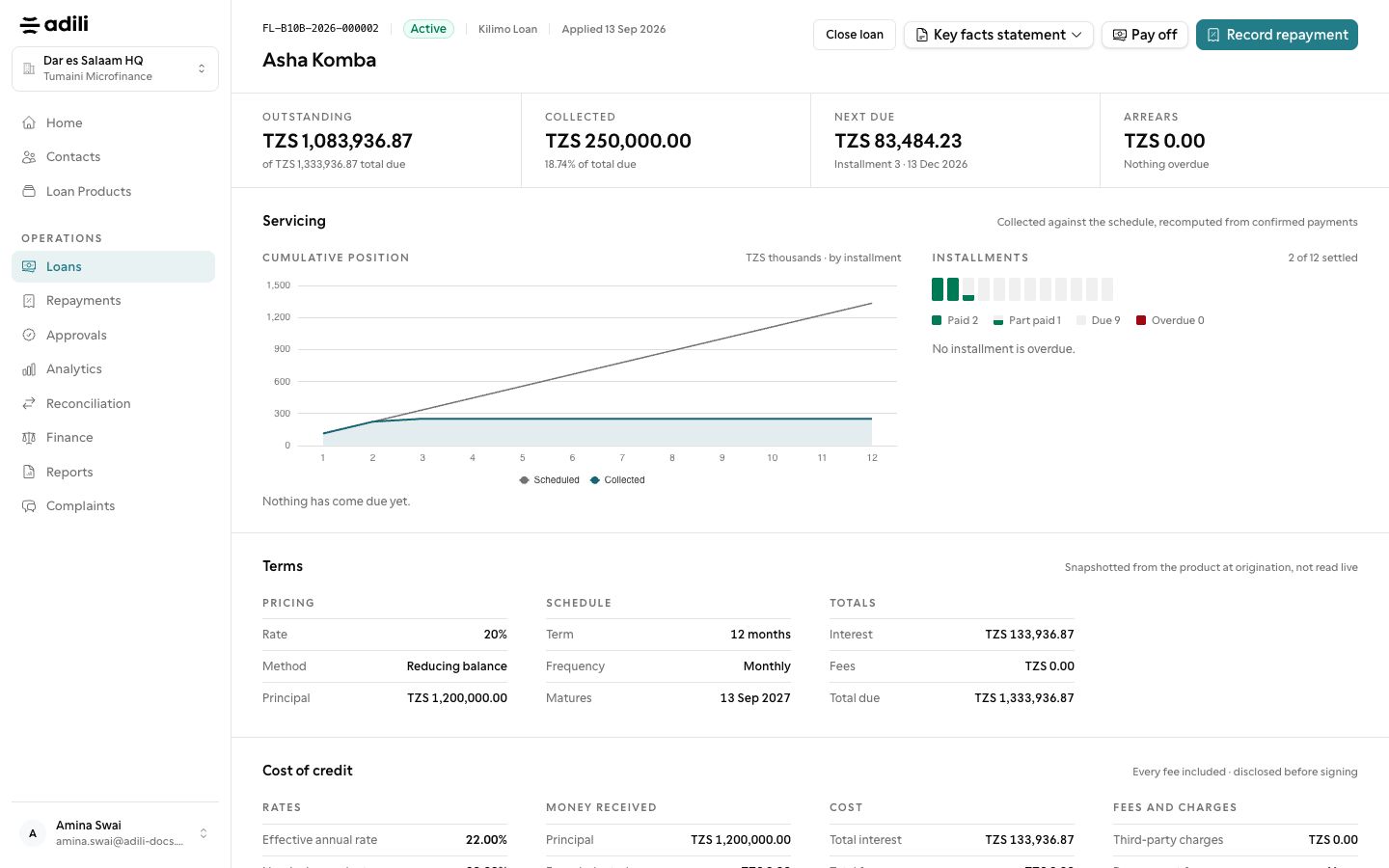
On an Active loan choose Top up. The product decides how far behind a borrower may be and still top up (Top up while up to (days) behind).
-
3
Enter the amount
On Top up loan, enter the Extra cash for the borrower and the Term (months). Read Cash the borrower receives and Total payable with the borrower before going on.
-
4
Create it
Choose Create top-up. You see Top-up loan created, or The top-up is waiting for a manager to approve it; an owner, admin or branch manager checks top-ups.
-
5
Pay out
Disburse the new loan as usual. The old loan is settled inside the payout, so only the extra cash leaves the till. In the staff app use More actions → Top up, enter Extra cash (TZS) and choose Confirm top-up.